
Presenting in the Pandemic
We could all use some polish.

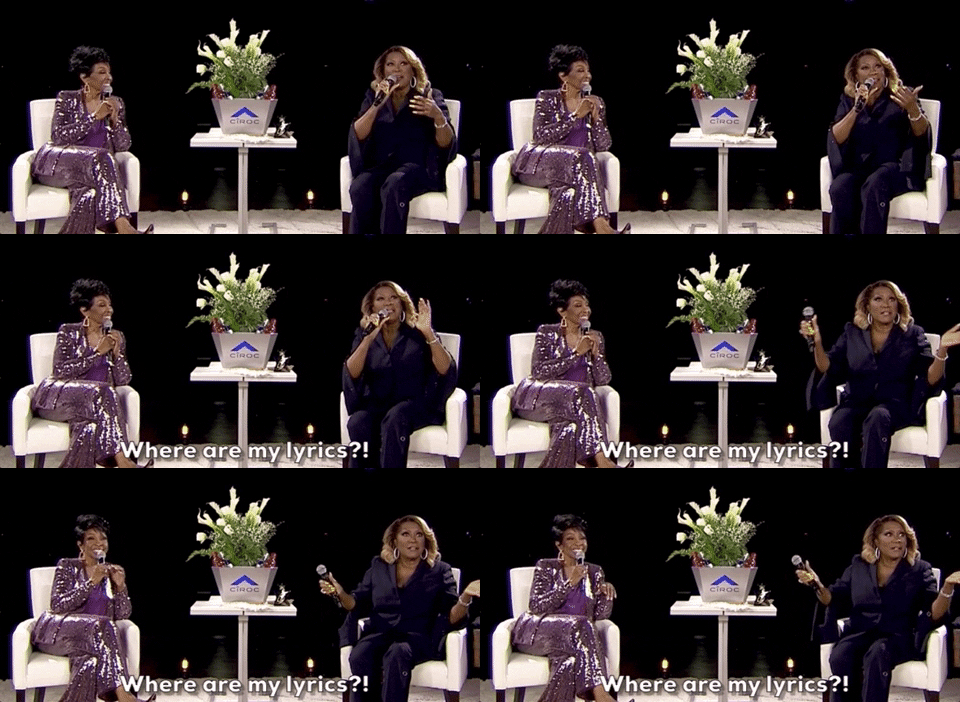
Today’s edition is by Jon. We hope your Zoom meetings this week aren’t like this:

How are your presentations going in the remote-work world? How about the presentations you’ve attended? How do they compare with what you did/saw previously? How have you improved?
Most transactions are going to start with a presentation, whether you’re looking at applying to an educational program or exploring a SaaS contract. Either way, presentations are vital for selling, recruiting, hiring—pretty much every business function.
I’ve watched a lot of presentations during the pandemic, and, for the most part, we appear to be getting worse at them. The Verge did a good piece on the somewhat painful tech launches we saw in spring 2020 and how they felt like infomercials. Because folks have often tried to just repeat what worked in-person, we’re getting subpar versions of what was already perhaps middling pre-pandemic.
Here are a few of the most common issues I’ve seen, with some proposed solutions.
On-Camera Presentation Skills
In-person presentation skills don’t translate to a virtual world. There’s a reason why it’s hard to be a television anchor reading from a teleprompter or an on-camera talent. Talking to a camera requires a different skillset—direct eye contact, voice modulation, comfort with the technical platform—than presenting in a conference room. Yet, some of us have not adapted or grown in this area. Presenters who are warm, approachable, and connect with their audience in person, come off as talking heads on virtual platforms. That’s awkward, but it doesn’t have to be.
Solutions: Encourage presenters to practice and get feedback. Ask probing questions: where do you plan to look, the screen or the camera? How are you transitioning to the next speaker? Who is advancing slides and what’s the signal to move forward? In fact, a virtual presentation requires more rehearsal than something in person. Connecting over video doesn’t allow the same emotion and give/take with the audience as in-person. Forcing rehearsal may require some managing up or encouraging folks to check their ego, but it will ultimately lead to higher quality presentations.
Missing the Details
Think about the best hospitality experience you’ve ever had. Maybe it was at a hotel, a fantastic restaurant, or—even—just a great service experience shopping. When you think about it, what made it the best? Luxury and quality, when you strip away the brand, just come down to the details (For example, Nordstrom trains their people to always walk customers to the department they’re looking for rather than pointing).
The best in-person pre-pandemic events planned even the most minor details second by second: clear directions and program structure, aesthetically pleasing stage set-up, and good production value. I’m not suggesting every office invest in a professional lighting and audio set-up for their presenters (though a *ring light* does go a long way), but don’t settle for events without polish (I’m reminded of a recent late afternoon event where the speaker forgot to have lights on in the room. By the end they were only lit by the blue light of their monitor. Not a good look!)
Solutions: Treat your virtual presentations as if they were in-person. If you wouldn’t have a dirty dish on the conference room table during a presentation, don’t have one in front of you on Zoom (even out of sight). Make a plan for how you’re going to handle the two most awkward parts of a Zoom presentation: the beginning, because no one wants to be stuck with a floating head saying “we’ll get started shortly,” and the end (when did waving become a thing to say goodbye in meetings?). Planning for this with little changes can increase the overall quality.
While I’m all for the rise of the comfortable stretchy-pants when we’re all stuck at home, that shouldn’t mean events are sloppy. Put yourself in the audience’s shoes and try to create an experience that you’d enjoy having; surprise and delight.
Presenters struggling with the platform

I can think of at least a few examples—at company events and in media appearances—where executives have struggled with Zoom. Everyone has a moment where they forget to unmute.
In the communications world, we often say that no problem is new. When people say “no one could have anticipated or planned for X,” it’s a cop-out. Failing to anticipate a problem is more likely caused by an unwillingness to put in the time, effort, and care necessary. If your presenters struggle with the platform or technical aspects of the presentation, someone missed something in preparation.
Solutions: If you’re behind the scenes of an event, don’t assume that your presenters know what platform you’re using or how it works, even if they say they do. A rehearsal or dry-run will catch these issues upfront. Plan out who will handle any technical difficulties that happen. If you’re the presenter, schedule some time to play around with the platform so you know it inside and out. Where is that mute button? If you’re running your own slides, what do the controls look like with screen share on?
If we’re going to be stuck on Zoom for the foreseeable future (unless that vaccine rollout gets going, right?), let’s up our presentation game. I’m not saying that every presentation needs to be perfect, but let’s get to polishing.
We’ll see you for Offsite on Thursday.